Scopes
In Raw Text and Vector mode, a pair of double colons picks where to search. Everything after a scope, up to the next one, is searched only there.
The grammar
::Verse:: karma, dharma ::Chapter:title, SPEAKS_TO:: yogaRead it as: in Verse, find karma or dharma; in Chapter’s title and in SPEAKS_TO, find yoga.
| Piece | Means |
|---|---|
:: … :: | a scope: between the colons, where to look |
Verse | a type: a node type or a relationship type, by its name (loosely: speaks to and SPEAKS_TO both name SPEAKS_TO; case, spaces and underscores don’t matter) |
Chapter:title | one property of a type, after a colon; Chapter:title:summary names two |
Verse, Chapter | several types in one scope, with commas |
All or * | every type (unless a type is actually called All) |
karma, dharma | the terms after a scope: any of them may match |
text before the first :: | has no scope of its own, so it searches the pill: what’s ticked under Search in |
A type named without properties searches all of that type’s searchable properties: its Text and Enum properties in Raw Text, its embedded properties in Vector. A scope with no terms after it searches nothing (but any mistake in it is still reported).
Escapes
A colon or comma that’s just text is written with a backslash: \: and \,. \\ is a backslash. So ::Verse:: re: dharma looks for “re: dharma”.
How the bar draws it
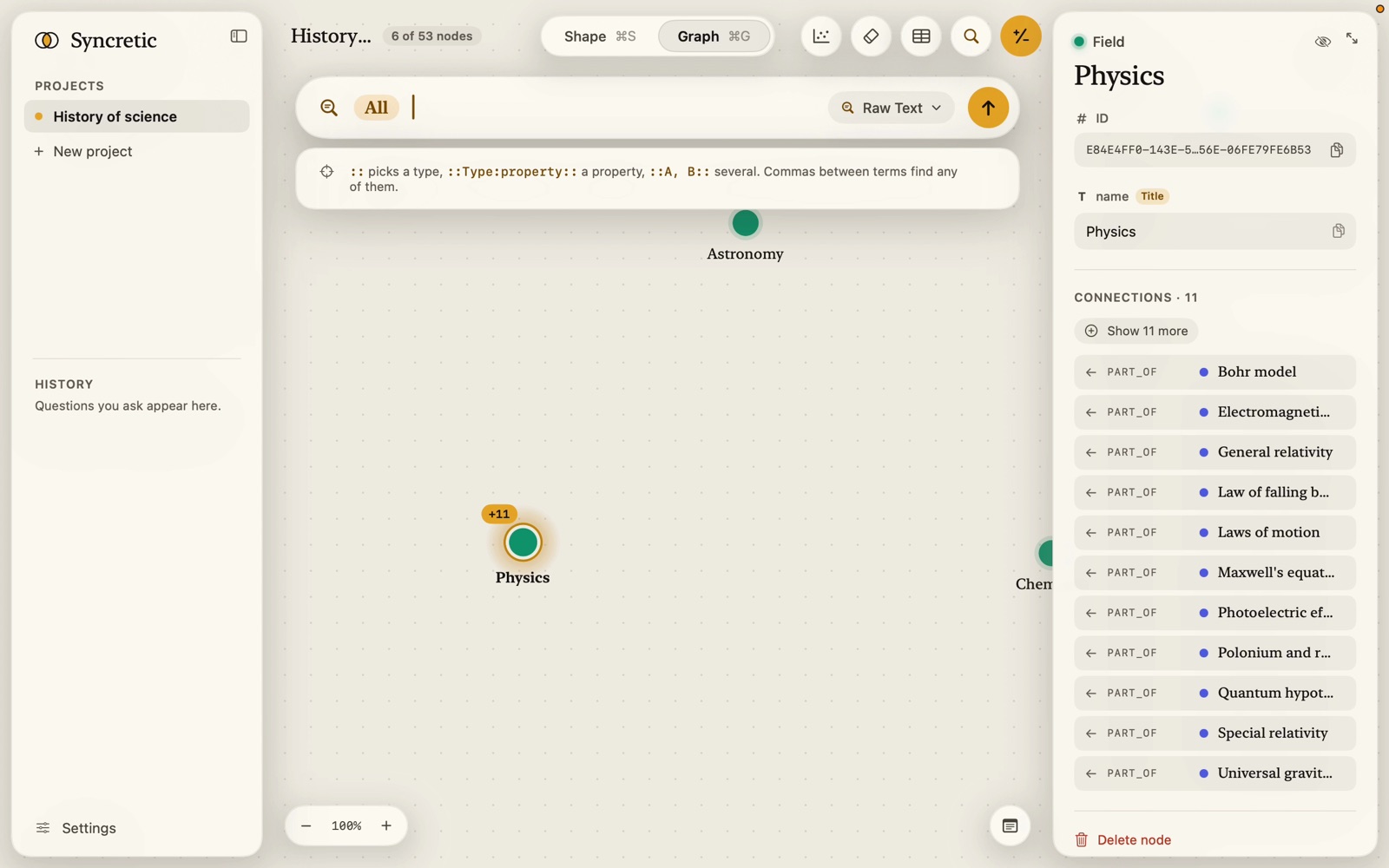
Each scope is drawn on a pill. Inside it, a type’s name takes its own colour (a node type’s hue; relationships in grey), properties in plain text, the colons and commas faint. Something that names nothing is red with a dotted underline. Commas between terms are faint too.
The pill at the start of the bar (“All”, “Verse”, “Verse, Chapter”, “Verse +2”, or “None” in red) stands for the text that has no scope: it shows what’s ticked under Search in. It appears only while the bar’s text doesn’t begin with a scope. Click it to open the Search in list. Press Backspace at the very start of the bar and the pill turns into a scope you can edit: :: :: for All (so the dropdown offers every type), or ::Verse, Chapter:: naming what was ticked.
Completion
Put the cursor inside a scope and the dropdown lists what fits:
- Types: All · every type, then each type with its searchable properties (“summary, notes +2”), node types with their colour, relationships in mono. Names starting with what you’ve typed come first, then those containing it; names already in the scope aren’t offered again.
- After a type and a colon, Properties of Verse.
↑ ↓ pick, Return or Tab accepts. Accepting a type when nothing follows it closes the scope and moves the cursor past it, ready for the terms; typing a comma or colon straight after a closed scope goes back inside it, to add another type or a property. The hint under the list says so: “or Tab to pick, then type what to find. A comma adds another type, a colon picks properties.”
When nothing matches: “No type matches “Vers” with text set to Embed” (Vector) or “No property matches “sum””.
The Search in list and the cursor
The Search in list (mode popover) has two jobs:
- With the cursor in unscoped text, its ticks are the pill: what the text searches. A note says “For text with no ::scope:: of its own: the pill at the start of the search bar.”
- With the cursor inside a scope, its ticks show what that scope names, and ticking rewrites the scope in the bar. The note changes to “The scope under the cursor in the search bar. Ticking here rewrites it there.” All and None set every tick at once.
Errors
A search with a problem doesn’t run; the trail shows Can’t search that (or those) with each message:
| Typed | Message |
|---|---|
::Verse (no closing colons) | Close the scope with :: |
:::: karma (nothing between) | Name a type between the :: |
::Poem:: | No type called “Poem” |
::Thinker:: where Thinker has no text | “Thinker” has no text to search (Raw Text) / has no text set to Embed (Vector) |
::Verse:colour:: | Verse has no “colour” to search |
::Verse:: and nothing after | Nothing to search for. Type a word, a name or a number after the scope. |
| plain text with every property unticked | Nothing to search. Every text property is unticked under “Search in”. Tick at least one, or name a type: ::Verse:: karma. |
Examples
::Verse:: karma — karma, in Verse nodes only.
::Verse:translation:: surrender — only in the translation property of Verse.
::Chapter, Verse:: yoga, dhyana — yoga or dhyana, in Chapter or Verse.
::SPEAKS_TO:: doubt — in the text of SPEAKS_TO relationships.
karma ::Purport:: meaning of action — karma where the pill says; the phrase in Purport only.
::All:: 2.47 — everything searchable.
In Vector mode the same scopes name only embedded properties, and each scope’s terms are embedded and searched within those properties; what each finds close to its own best match is pooled. In Auto, the router may narrow the scope to some embedded properties on its own, but never widens it past what you’ve ticked.